

Last updated: 10 November 2026
A faceless YouTube channel AI workflow lets you publish videos without ever appearing on camera: AI helps with research, scripts, voice-over, editing and thumbnails, while you decide the ideas and check the facts. It is a realistic way for a beginner to start a channel, but only if you understand one rule first. YouTube rewards original, useful videos, not mass-produced ones.
This guide walks through the full process in six steps, names one practical tool for each step, shows what the free plans actually limit, and explains the YouTube rules you need to follow. Prices and policies were checked on 10 November 2026 and can change, so confirm them on the official pages before you pay for anything. The tools below are examples, not paid placements.
Is a Faceless YouTube Channel with AI Still Allowed?
Yes, with conditions. YouTube’s channel monetization policies say that monetized content should be your own original work and should not be mass-produced, generic or repetitive. The page’s examples of content that does not qualify include image slideshows or templated stories with little narrative or educational value, and AI-generated content made from generic templates that adds none of the creator’s own insight.
The same page also spells out what is allowed. You can reuse the same intro and outro, run a series where every video has its own focus, and use AI to help edit scripts or create a unique background visual. In other words, AI is a tool you may use. What the policy checks is whether each video gives viewers something distinct.
Two more rules matter for faceless channels. First, channels that use an AI persona to present itself as a human expert giving health, legal, financial or political advice are not allowed to monetize. Second, YouTube’s AI disclosure page asks you to disclose realistic content that was generated or meaningfully altered with AI, such as a realistic scene that never happened. The same page says disclosure alone does not limit a video’s audience or its eligibility to earn money, and it lists scripts, thumbnails, captions, idea generation and cloning your own voice for voice-overs as production help that needs no disclosure.
Some news sites and creator-tool blogs also report that YouTube terminated several large AI-content channels in early 2026. We could not confirm those figures on YouTube’s own pages, so treat them as reported, not official. The lesson is the same either way: one template repeated at scale is the risk, and a face on camera is not the test. Nothing on the monetization page we read requires creators to appear on camera.
Faceless YouTube Channel AI Workflow: 6 Steps at a Glance
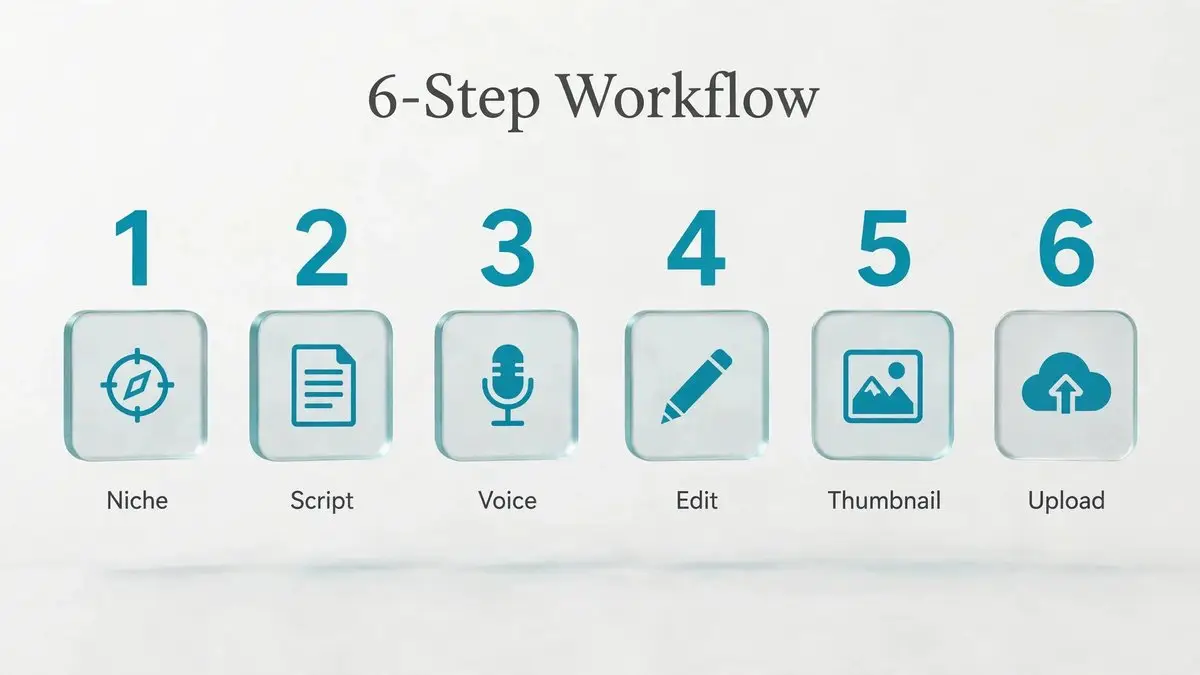
Here is the full workflow in one table. Each step is explained below, and our guide to the best AI tools for YouTube automation compares more options for each stage.
| Step | What you do | Example tool | Free option (as checked) |
|---|---|---|---|
| 1 | Pick a niche and find ideas | vidIQ | Free plan with limited AI credits |
| 2 | Write the script | ChatGPT, Claude or Gemini | Free tiers exist |
| 3 | Make the voice-over | Your own mic, or ElevenLabs | ElevenLabs free plan; trackers say commercial use is excluded |
| 4 | Build visuals and edit | CapCut | Free plan, with limits |
| 5 | Design title and thumbnail | Canva | Free plan, with limits |
| 6 | Upload, disclose and review | YouTube Studio | Free |
Step 1: Pick a Niche and Find Ideas
Choose one topic where you can offer something a template cannot: a clear explanation, a useful comparison, a researched list or a story told from your own angle. Niches that suit faceless videos are the ones where visuals come naturally from screen recordings, diagrams, charts, stock footage or animation, such as tech explainers, study tips, history, science and product comparisons. Be careful with health, legal, finance and politics: because of the AI-persona rule above, a channel that presents an AI voice as a human expert on those topics is not eligible to monetize.
For research, vidIQ is one option.
According to a tracker that cites vidiq.com/plans (checked on 27 August 2026), the free plan includes 150 AI credits per month, niche trends and content ideas. Paid plan names and prices differ between the sources we found, so check vidiq.com/plans before you upgrade. You can do the same research for free with YouTube’s search suggestions and the titles used by other channels in your niche.
Here is a quick test before you commit. Write down ten video ideas for your channel. If all ten are the same video with a new topic pasted in, the format is too templated, and it is better to widen the angle now than after fifty uploads.
Step 2: Write the Script with AI
ChatGPT, Claude and Gemini are all useful for outlines, hook ideas and simplifying hard topics. The mistake is asking for a finished script and uploading it as it is. Give the tool your angle first, then add what only you can add: facts you checked, your opinion and your own examples.
- Write a five-line brief: who the video is for, the promise, three main points and your opinion.
- Ask the AI for an outline and three hook options, then pick one or rewrite it.
- Draft the script, then rewrite it in your own words so it sounds like you.
- Check every number, name and date against a real source. AI tools can state wrong facts with confidence.
- Read the script aloud once and rewrite any sentence that is hard to say.
As a rough guide, spoken narration runs at about 150 words per minute, so an eight-minute video needs a script of around 1,200 words. YouTube’s disclosure page lists using AI to create or improve a script or outline as production help, so it does not need an AI label.
Step 3: Add the Voice-Over
You have two choices. Recording your own voice keeps the channel faceless but personal, and it is the easiest way to sound original. If you prefer an AI voice, ElevenLabs is a widely used option.
Pricing and licences matter here, so we checked several price trackers on 10 November 2026. They agree that the free plan gives 10,000 credits per month and that commercial use starts on the Starter plan, which they list at about $5 to $6 per month. The Creator plan is listed at $22 per month and adds Professional Voice Cloning. One tracker estimates roughly 1,000 credits per minute of speech, which would be about 10 minutes on the free plan and 30 minutes on Starter. These are third-party figures, so confirm them on the ElevenLabs pricing page before you rely on them.
If your channel earns money, do not build it on a free plan whose licence excludes commercial use. Keep in mind, too, that YouTube’s page lists cloning your own voice for voice-overs as not needing disclosure, but making a real person appear to say something they never said does need it.
Step 4: Build the Visuals and Edit
Many faceless channels lose the originality test through weak visuals. A still image with a voice behind it is the kind of slideshow YouTube names as an example of low-value content. Mix screen recordings, charts, diagrams, stock footage, short animations and clearly illustrative AI images, and change what is on screen every few seconds.
Add captions, on-screen keywords, zooms and cuts that follow the script. CapCut is a popular editor for this. Trackers checked in October 2026 list a free plan and a Pro plan at $19.99 per month or $179.99 per year, but they disagree about watermarks: some say the app adds none on the free plan, others say Pro-only templates and effects add a mark. Run a test export before you build your workflow around it, and confirm the details on the CapCut pricing page.
Use the same format each time, but make the main content of every video new. According to YouTube’s page, a recognizable intro and outro are fine as long as the main part of each video is new.
Step 5: Design the Title and Thumbnail
Write the title around one clear promise and your main keyword, then design a thumbnail that matches it: one idea, three or four words, high contrast.
Canva is an easy place to start. Trackers list a free plan and a Pro plan at about $15 to $18 per month, and say Pro adds a larger asset library and tools such as background removal, so confirm the current details on the Canva pricing page.
AI-generated or AI-improved thumbnails count as production help in YouTube’s disclosure list. Just do not use realistic imagery that makes viewers believe something happened when it did not. YouTube’s monetization page names deceptive visuals, such as a fake celebrity death or natural disaster, as content that is not allowed to monetize.
Step 6: Upload, Disclose and Review
Open YouTube Studio and upload the video, taking care to complete every detail. In the Attributes section, the AI use setting asks whether your video contains realistic AI-generated or meaningfully altered content. Choose Yes if it does, for example a realistic scene that never happened, and No if your AI use was limited to things like scripts, captions or clearly unrealistic animation. YouTube may also add a label automatically for content it detects, and it warns that creators who consistently skip required disclosure can face penalties, including suspension from the YouTube Partner Program.
Put your sources in the description. After a week, look at click-through rate and average view duration across your first few videos together, rather than judging a single upload. Then change something specific on the next video, such as the hook or the opening visual, instead of copying the same format.
Common Mistakes to Avoid
- (1) Uploading the same template every day with only the topic changed.
- (2) Using a still-image slideshow with a robotic voice and no commentary.
- (3) Publishing AI-written facts without checking them.
- (4) Building a monetized channel on a free plan whose licence excludes commercial use.
- (5) Presenting an AI persona as a human doctor, lawyer or financial adviser.
- (6) Using realistic AI scenes without turning on the AI disclosure.
- (7) Judging the whole channel after one or two videos.
FAQ
Can a faceless YouTube channel with AI make money?
It can, but nothing is guaranteed. You still need to meet the requirements of the YouTube Partner Program, which YouTube sets and can change, and every video must follow the channel monetization policies. AI use is allowed; mass-produced, repetitive or generic content is not.
Do I need to label AI content on YouTube?
Only realistic content that was generated or meaningfully altered with AI must be disclosed, such as a realistic scene that did not happen. YouTube’s page says scripts, thumbnails, captions and idea generation do not need disclosure, and that disclosing does not by itself limit reach or earnings.
Is a faceless channel against YouTube’s rules?
No. The monetization policy page we read checks whether content is original and not mass-produced or repetitive. It does not require creators to show their face.
Which tool should I pay for first?
Probably none. Start with free tiers for scripting and editing, record your own voice, and pay only when a limit actually blocks you. For AI voices that is usually the commercial licence.
Conclusion
A faceless YouTube channel AI workflow works when AI saves you time on the routine parts and you add the part viewers actually come for: your angle, checked facts and a clear point of view. Start with one niche, one tool per step and a plan to make each video visibly different from the last. Check policies and prices again before you upgrade, because both change. To compare more options for each stage, read our guide to the best AI tools for YouTube automation.
Sources
Policies read on 10 November 2026. Prices come from third-party price trackers checked on the same date and may differ from the official pricing pages.
- YouTube channel monetization policies
- YouTube Help: Disclosing use of GenAI content
- ElevenLabs pricing, with plan figures cross-checked against gradually.ai, costbench.com and hackceleration.com
- CapCut pricing, with figures cross-checked against costbench.com and dupple.com
- Canva pricing, with figures cross-checked against toolradar.com and g2.com
- vidIQ plan details from toolradar.com (checked 27 August 2026); confirm on vidiq.com/plans
- Reports on early 2026 channel terminations: thenextweb.com (reported, not confirmed by YouTube’s help pages)